


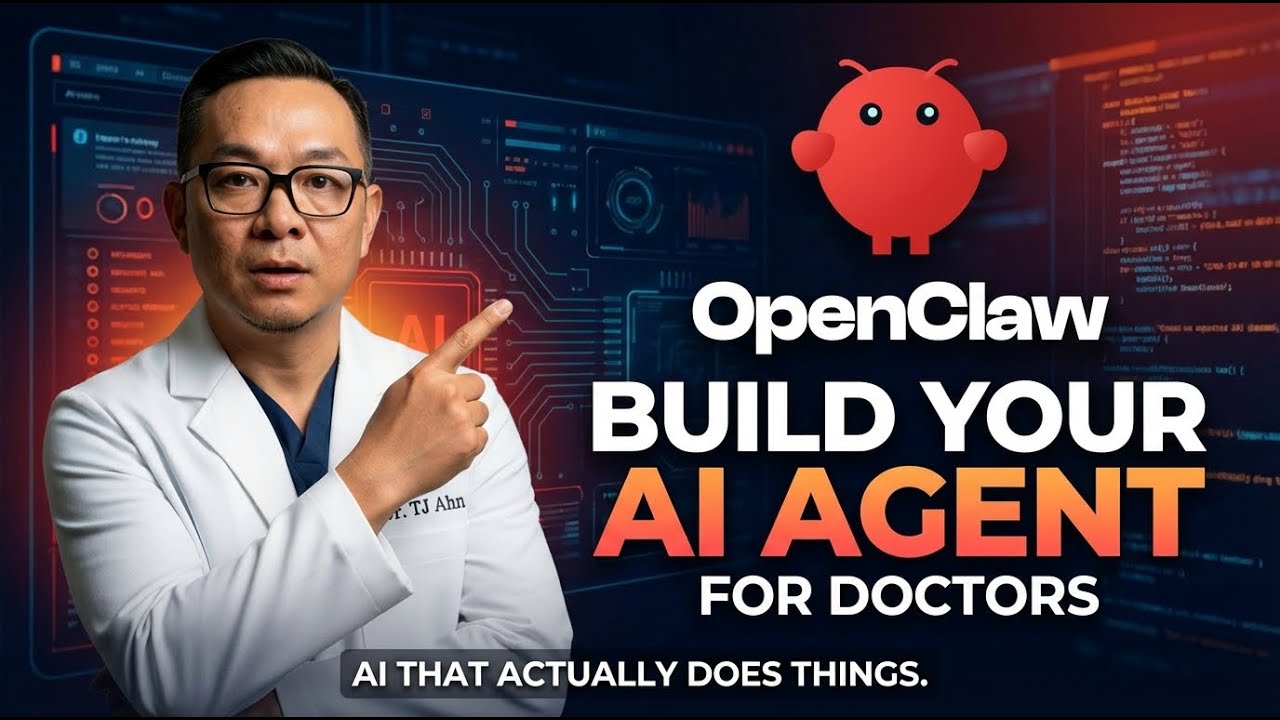
I remember the first time I lost a great idea scribbled on a post-it between patients — that tiny frustration led me to build an AI assistant. In this piece I walk you through why an autonomous agent (OpenClaw, formerly Cloudbot/Moldbot) matters for busy clinicians, how I secured and configured mine, and where the real value — and the real headaches — live. I’ll be frank: I’m not a developer, but I set this up in three days and I still mess up the occasional voice note.
1) Why autonomous AI agents matter (concept + security)
The leap from chatbot to AI Agent: answers vs actions
Most AI tools I used before were smart chatboxes: I asked a question, they replied. An AI Agent is different. It can take a goal and actually do the work—schedule, send emails, create reminders, and nudge me when something is overdue. That shift matters more than any single product name, because tools change fast. This project has already been renamed multiple times: Cloudbot → Moldbot → open clone / OpenClaw. My OpenClaw Review is really about the idea of “AI with hands,” not brand loyalty.
For private practice owners, that “hands” part is the win. I’m thinking about the small tasks that steal attention all day: follow-ups, calendar moves, inbox triage, and capturing clinical ideas that pop up between patients and then disappear. If an agent can handle even a slice of that 24/7, it gives me time back without adding another staff workflow.
Dr. TJ: “I’ve done my homework. Now, I know most of you watching this are private practice owners, not tech people.”
Security Issues: exposed instances and leaked API Keys
Here’s the headline I can’t ignore: researchers reported real Security Issues—thousands of exposed instances where API Keys and credentials were visible to anyone. That’s not a theoretical risk. It’s exactly what happens when an Open-Source AI tool is deployed with a public-facing gateway and weak defaults.
I chose to run this on my own hardware (a VPS) because it can keep data private if you secure it. My setup took me about 3 days, and I treat it like production infrastructure:
- VPS with SSH key authentication (no password logins)
- Gateway bound to
localhostonly - Tailscale VPN with tailnet firewall rules blocking external access
- Audits on a daily / weekly / monthly cadence
- Regularly rotating API Keys
Charles Darwin: “It’s not the strongest species that survives nor the most intelligent. It’s the one most adaptable to change.”
2) Live demo highlights: what Yukio actually does for me
I named my Personal Assistant “Yukio” (yes, the Deadpool 2 reference). That small bit of personalization matters more than I expected—it makes me treat the AI Agent like a real workflow partner, not another app I forget to open.
Hands-free Google Calendar control (via Telegram voice notes)
In the live demo, I’m on my phone inside Telegram. I tap my chat with Yukio and speak a voice note—no typing. Yukio transcribes it, then executes the action in Google Calendar. Most replies land in about 10–20 seconds, which feels similar to delegating to a human assistant.
- Check my day: “What’s on my calendar today?” and it returns my key time blocks.
- Create events: “Schedule a lunch meeting with Dr. Kim at 2:00 p.m. tomorrow.” The event appears without me touching the calendar.
- Move events: “Move that lunch meeting from 2 p.m. to 1 p.m.” It updates on its own.
- Delete events: “Delete the 3 p.m. call.” Done.
Google Tasks + Workspace: capture, list, and get nudged
Yukio is integrated into Google Workspace, so tasks show up in the Google Tasks panel. I can say, “Add a task: follow up with Dr. Smith about the referral,” and it appears instantly. Then I can ask, “What tasks do I have due this week?” and it lists them back.
The part that feels most “assistant-like” is the proactive layer: a daily brief arrives automatically at 7:00 AM, and Heartbeat Checks run throughout the day. If something is due and I haven’t acted, Yukio nudges me—like a human assistant who keeps me on track, but running 24/7.
Second Brain in Notion (ideas that stay searchable)
I also use Yukio as a Second Brain with Notion. I can dictate quick insights, quotes, or content ideas, and Yukio saves them with tags so I can search months later—especially useful for clinical notes, writing prompts, and “don’t lose this” moments.
Dr. TJ: “This runs on your hardware. Your data stays private. It integrates with tools you already use.”
3) Costs, infrastructure, and trade-offs (real math, not hype)
I won’t oversell this: it took me about 3 days to get OpenClaw + Yukio running in a way I trusted. It’s not plug-and-play yet. You need to be comfortable following technical tutorials, setting up API connections, and doing some occasional tinkering when something breaks.
Deploy Cost + Infrastructure Costs (what I actually pay)
OpenClaw itself is free/open-source, so OpenClaw Pricing is really about hosting + usage. My baseline Deploy Cost is a Cloud VPS plus LLM API Costs.
| Item | Typical monthly cost | Notes |
|---|---|---|
| Cloud VPS | $8–$10 | I use Hostinger; cheaper options exist (e.g., Hetzner CAX11 ~ $4/mo) |
| LLM API Costs (Claude/GPT) | $20–$30 | Usage-based; depends on how often you chat, summarize, and automate |
| Total | $30–$40 | 24/7 assistant, assuming normal usage |
Dr. TJ: “So realistically you’re looking at $30 to $40 per month for an AI assistant that works 24/7.”
The hidden bill: heartbeat + runaway usage
The biggest surprise for me wasn’t the VPS—it was background “heartbeat” checks and frequent calls that quietly stack up. If a default heartbeat costs ~$0.75 per request, then:
- 25 requests overnight ≈ $18.75
- 500 requests/day ≈ $380/day
This is why I treat cost controls as part of the infrastructure: set spending limits, cap token usage, and log every call.
Trade-off option: local models to cut API spending
If you run lightweight local models (example: Llama 3.2) for background tasks, you can reduce recurring API Costs a lot—some users report up to ~80% cost reduction. The trade-off is more hardware/electricity on your side and more setup complexity, but it’s the cleanest way to keep the monthly bill predictable.
4) Practical use cases, adoption advice, and who this is (and isn’t) for
In day-to-day practice, OpenClaw + Yukio feels less like a chatbot and more like a Personal Assistant that can run an AI Agent workflow across the boring, repeatable stuff. The highest-impact wins I’ve seen map to about eight common tasks: patient follow-up that automatically tracks who needs callbacks, a research assistant that pulls the latest studies (for example, treatment updates), staff communication that monitors and helps respond to team messages, personal task delegation (anything you’d tell an assistant), content capture for every marketing idea or social post the moment it hits, meeting prep that generates briefings before each consult, email triage that flags what matters and drafts replies, and daily briefs that keep me oriented.
Value For Money, Cost Savings, and where the math works
For heavy-volume routine work, the Value For Money is hard to ignore. In my experience, an agent can replace roughly 80% of routine VA tasks—especially sorting, drafting, summarizing, and nudging. When I compare a human VA at $10–$15/hour to an agent that can run around $30–$40/month, the Cost Savings show up fast if you’re doing the same workflows every day. That said, I still treat it as Human in the loop: I review drafts, approve outreach, and keep anything sensitive behind my own checks.
Adoption advice (so you don’t get overwhelmed)
I wouldn’t start by giving the agent full access to everything. I’d pick one narrow use—calendar support or a “second brain” for notes—and run it for a week. Then expand privileges slowly: email triage next, then meeting prep, then follow-up. Expect about three days to get a functional setup running if you’re hands-on.
Who this is (and isn’t) for
This is best for clinicians and practice owners who want automation and can tolerate some setup, or teams with one tech-savvy person. Early adopters tend to win here because adaptability compounds—Darwin had it right. But if you want zero technical involvement, I agree with Dr. TJ:
If you want something completely done for you with zero technical involvement, this isn’t ready for you yet.
My bottom line: pair the agent with a human assistant for oversight and edge cases, and you get speed without losing control.
TL;DR: I built an OpenClaw-based AI agent (Yukio) that handles calendar, tasks, and a Notion second brain. It’s private, cost-effective (~$30–$40/mo), powerful, but not plug-and-play; expect a learning curve.